How to Make Dance Shorts with a ZEPETO Character
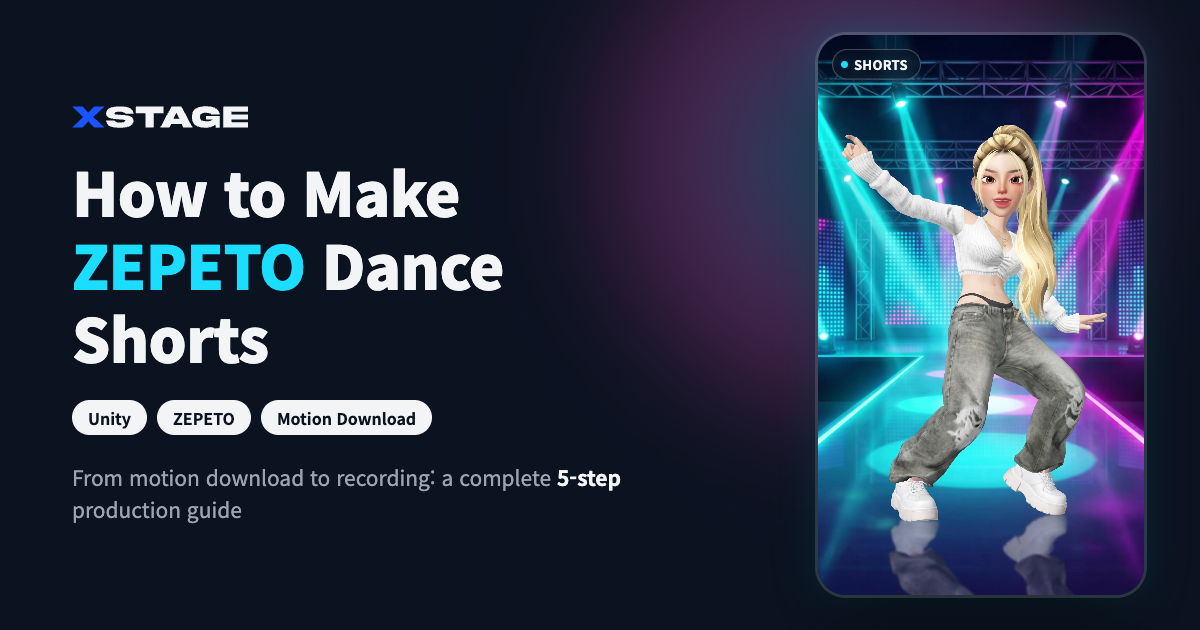
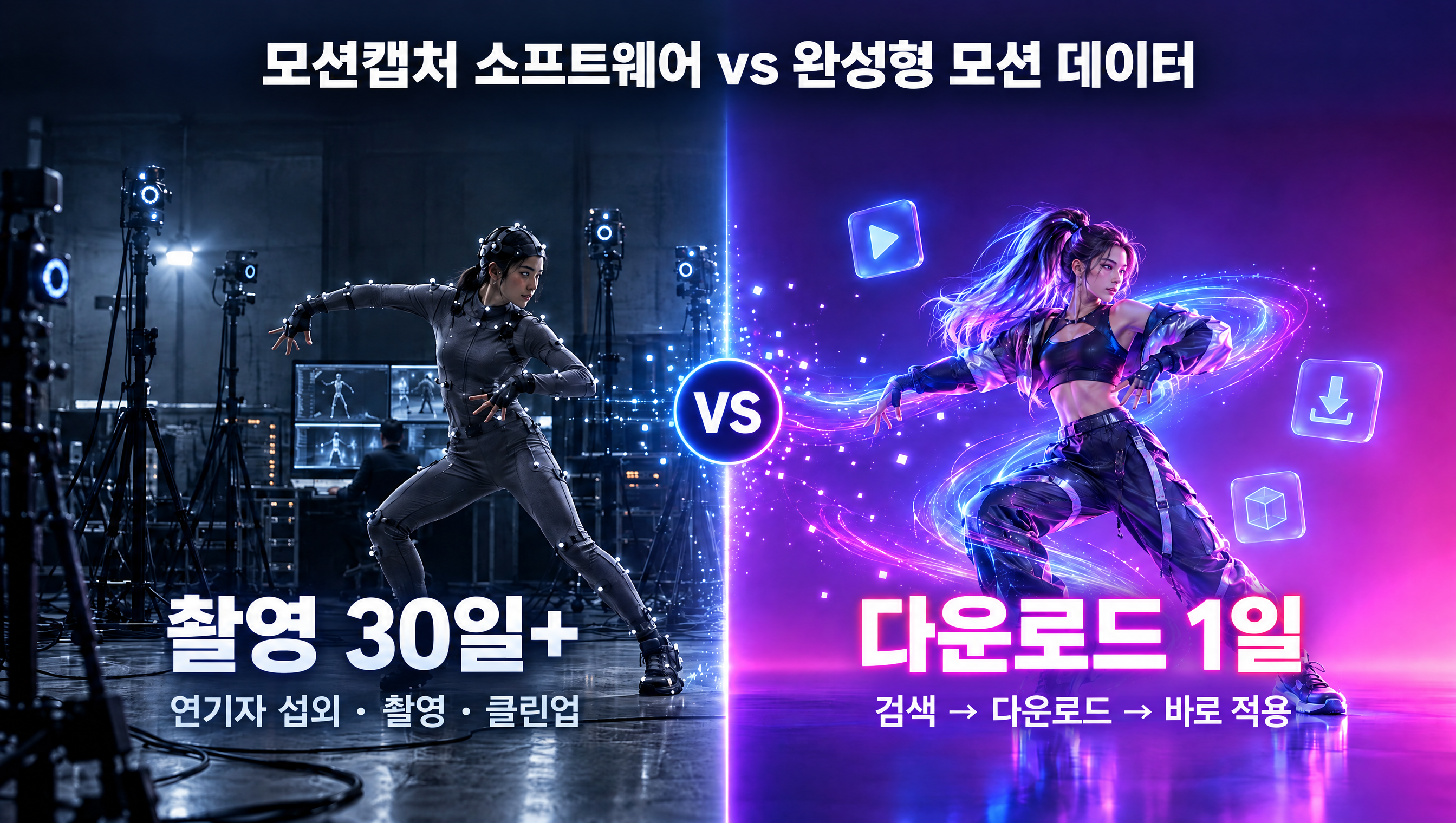
ZEPETO dance shorts are videos made by importing a ZEPETO character into Unity, playing dance motion data on it, and recording the scene in a vertical frame. You can get the dance motion as mocap files of K-pop and dance-challenge choreography from XSTAGE (ANIM format recommended for Unity, FBX for other engines). Free motions are also available.
What You Need
- A ZEPETO character
- Unity (the version recommended by ZEPETO Studio)
- Dance motion data (ANIM recommended for Unity): you can test first with this month’s free motion
Make It in 5 Steps
1. Import your character into Unity
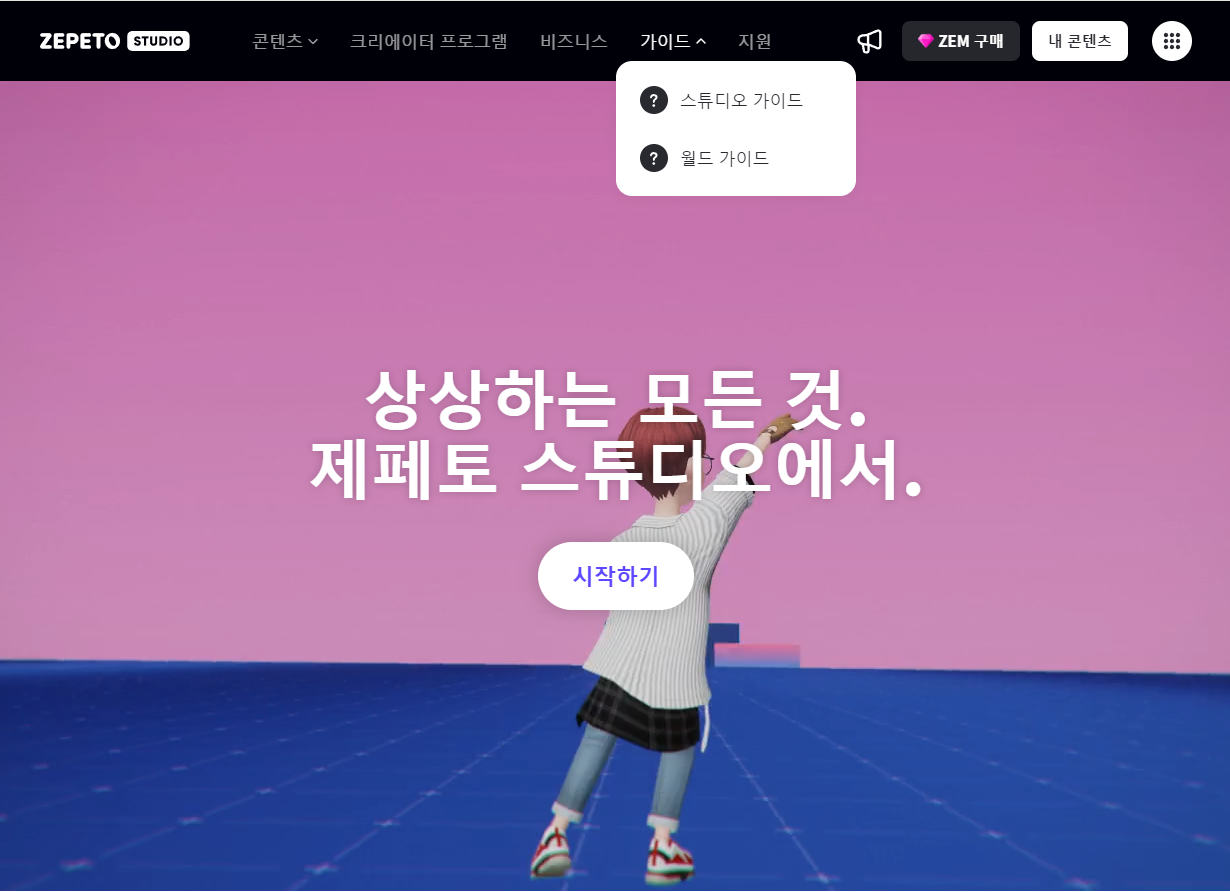
Install Unity 2022.3.34f1 from Unity Hub (the ZEPETO World SDK only works on this version). Import the ZEPETO World template package (upm.zepeto.run/setup/package), restart Unity, and create a new project from the ZEPETO template. Add ZEPETO > ZepetoPlayers in the Hierarchy, then call ZepetoPlayers.instance.CreatePlayerWithUserId(...) in code so your logged-in character actually appears in the scene — adding only ZepetoPlayers and pressing Play will not show the character.
2. Import the motion data
Downloading in ANIM format lets Unity handle Humanoid retargeting automatically. That said, it does not play correctly the moment you drop it in: in the clip’s Inspector, turn on Bake Into Pose for all three of Root Transform Rotation, Position (Y), and Position (XZ) — otherwise the body orientation will be off and the feet will slide.
3. Connect the motion to your character
Duplicate ZEPETO’s default controller, ZepetoAnimatorV2, add the motion clip to it, then assign this controller in ZepetoPlayers’ Animator Controller slot. Press Play and the character dances.
4. Set up the camera for a vertical frame
Add a 1080x1920 resolution directly in the Game view to get a vertical composition. Camera height and distance may need re-adjusting per character since proportions differ.
5. Record
Use Unity Recorder (install it from the Package Manager) to record the Game view as an mp4. Add background, lighting, and music in your editing tool.
Dance Motions Ready to Use in Your Shorts
New K-pop choreography is in the K-POP category, and challenges are in the Dance Challenge category.
Try It Free First
Test the shooting process with a free motion first. See this month’s free motion data
FAQ
Is this a feature that applies motion inside the ZEPETO app?
No. It is an external production method where you play motion on a character in Unity and record it. The finished video comes out as an mp4 file that you upload to other platforms.
How do I get a vertical (9:16) ratio?
Just add a 1080x1920 resolution in Unity’s Game view and shoot in a vertical composition.
Is there free dance motion?
Yes. You can get it for free from this month’s free motion, and there are also free challenge motions like With U_Challenge Ver.
Can I monetize my shorts?
The Standard license only covers non-commercial use. Commercial use that generates revenue requires a Commercial license, which you can upgrade to after purchase.
Can I use this with characters other than ZEPETO?
Yes, as long as the character has a humanoid skeleton — the same FBX works with VRM avatars and Unity/Unreal characters too.